Registration and Login
When using Weline Pro for the first time, you will need to create an account.
Weline Pro supports both mobile phone numbers and email addresses as account credentials.
If you forget your password, you can easily reset it on the Weline Pro login page by using the mobile phone number or email address registered with your account.
Registration
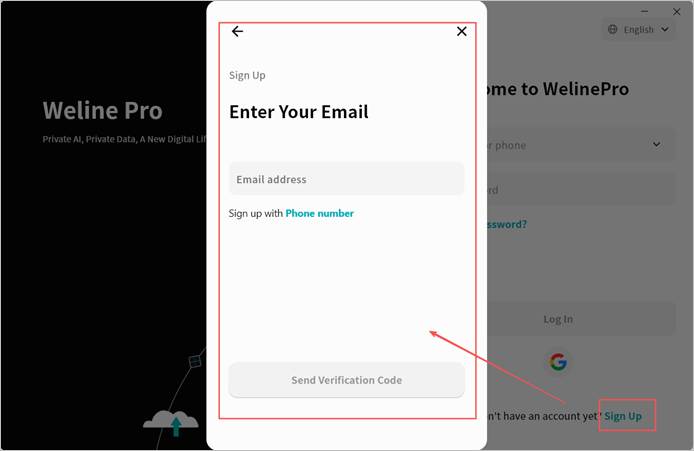
Weline Pro supports two registration methods: mobile phone number and email.
To register, click the Register button on the login page and follow the instructions to complete the account setup.
Note 1: Due to security settings of certain email service providers, Weline Pro registration emails may be incorrectly classified as spam. If you do not receive the Weline Pro verification code email, please check your spam folder.
Note 2: Weline Pro does not impose strict restrictions on password strength, allowing you to decide the level of security.
However, for the protection of your account, it is strongly recommended that you set a strong password to minimize privacy risks.
Login
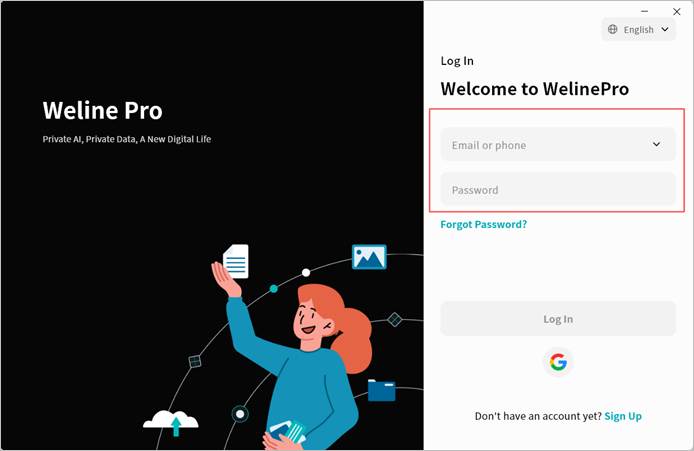
Weline Pro supports login via both email and mobile phone number.
Enter the email or phone number you registered with, along with your password, then click Login to proceed.
You may also click the dropdown arrow next to the account input field to select a previously used account (if saved) and log in directly.
Password Reset
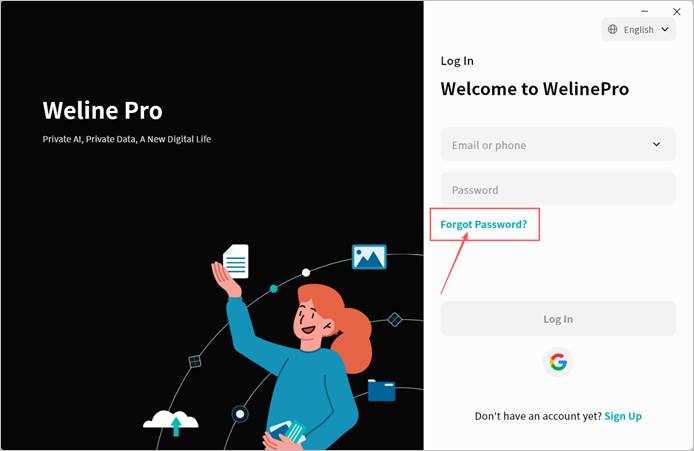
If you forget your Weline Pro login password, click Forgot Password on the login page and follow the on-screen instructions to reset your password.
Quick Login with Google Account
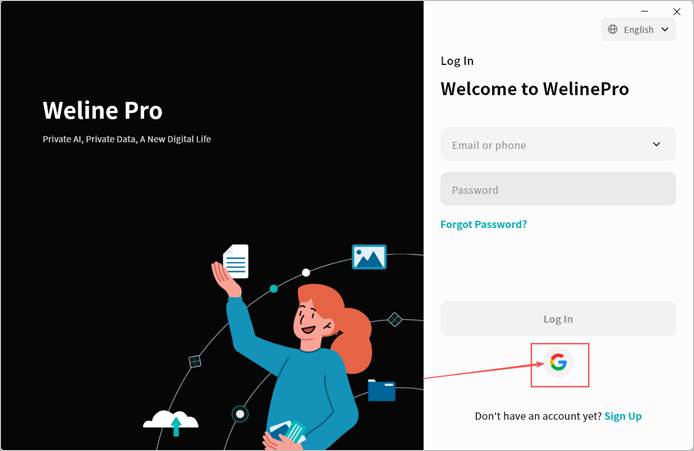
You can log in to Weline Pro with one-click authorization using your Google account, without the need to register.
- On the Weline Pro login page, click the Google icon.
- Weline Pro will open a browser and redirect to the Google verification page. Enter your Google account and click Next.
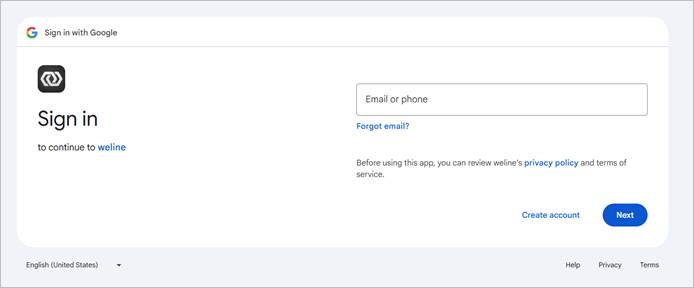
- Enter your Google account password and click Next.
- Wait for verification. When the page shown below appears, it indicates that Google verification has been successfully completed.
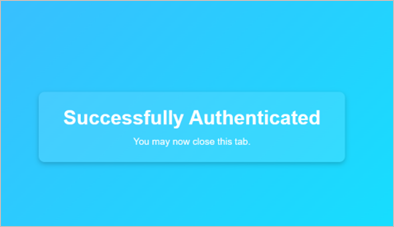
- After verification, wait for Weline Pro to automatically complete the login process.